> ## Documentation Index
> Fetch the complete documentation index at: https://docs.rxresu.me/llms.txt
> Use this file to discover all available pages before exploring further.

# Choosing a template

> Learn how to choose the perfect template for your resume and explore all available template designs in Reactive Resume.

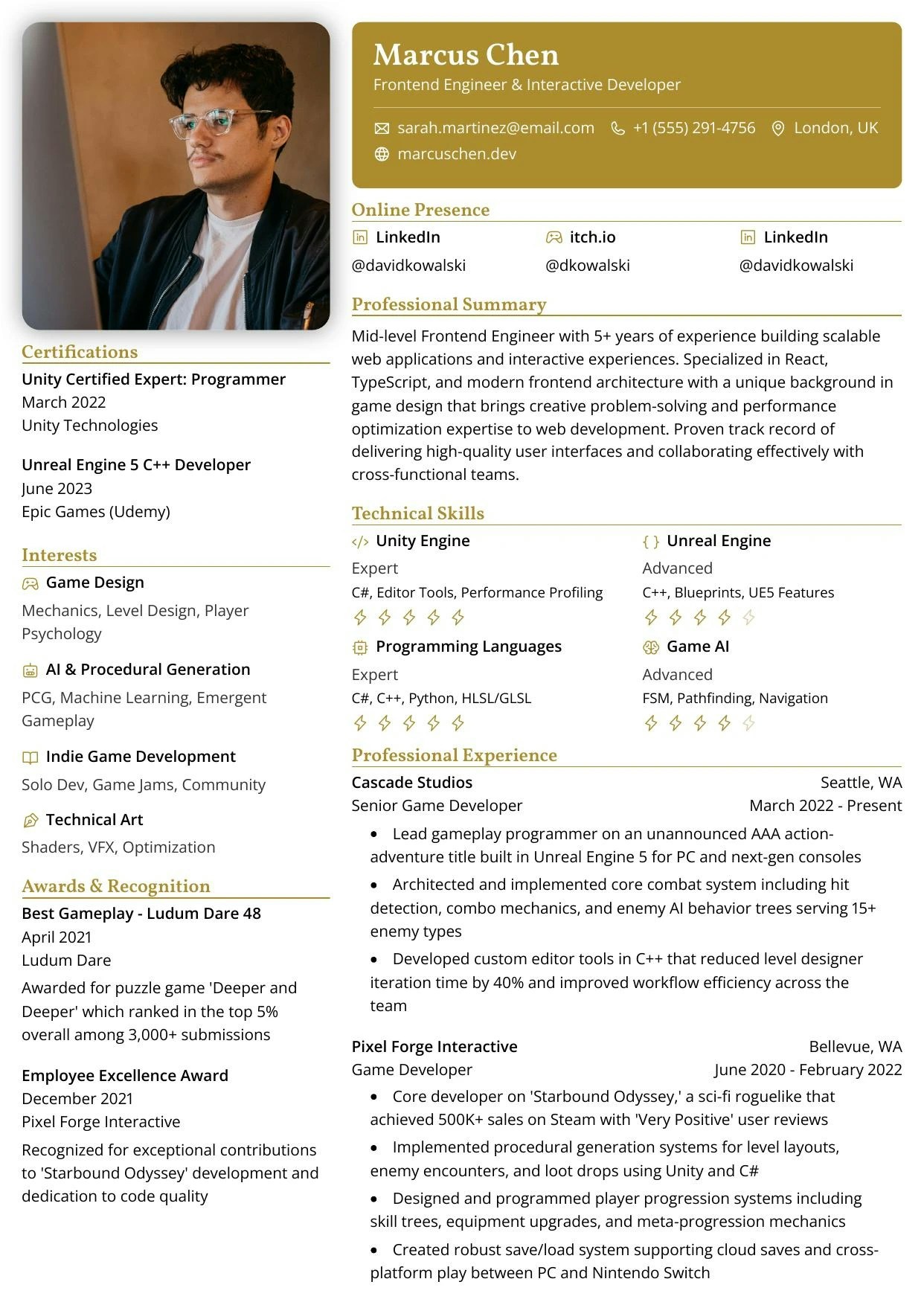
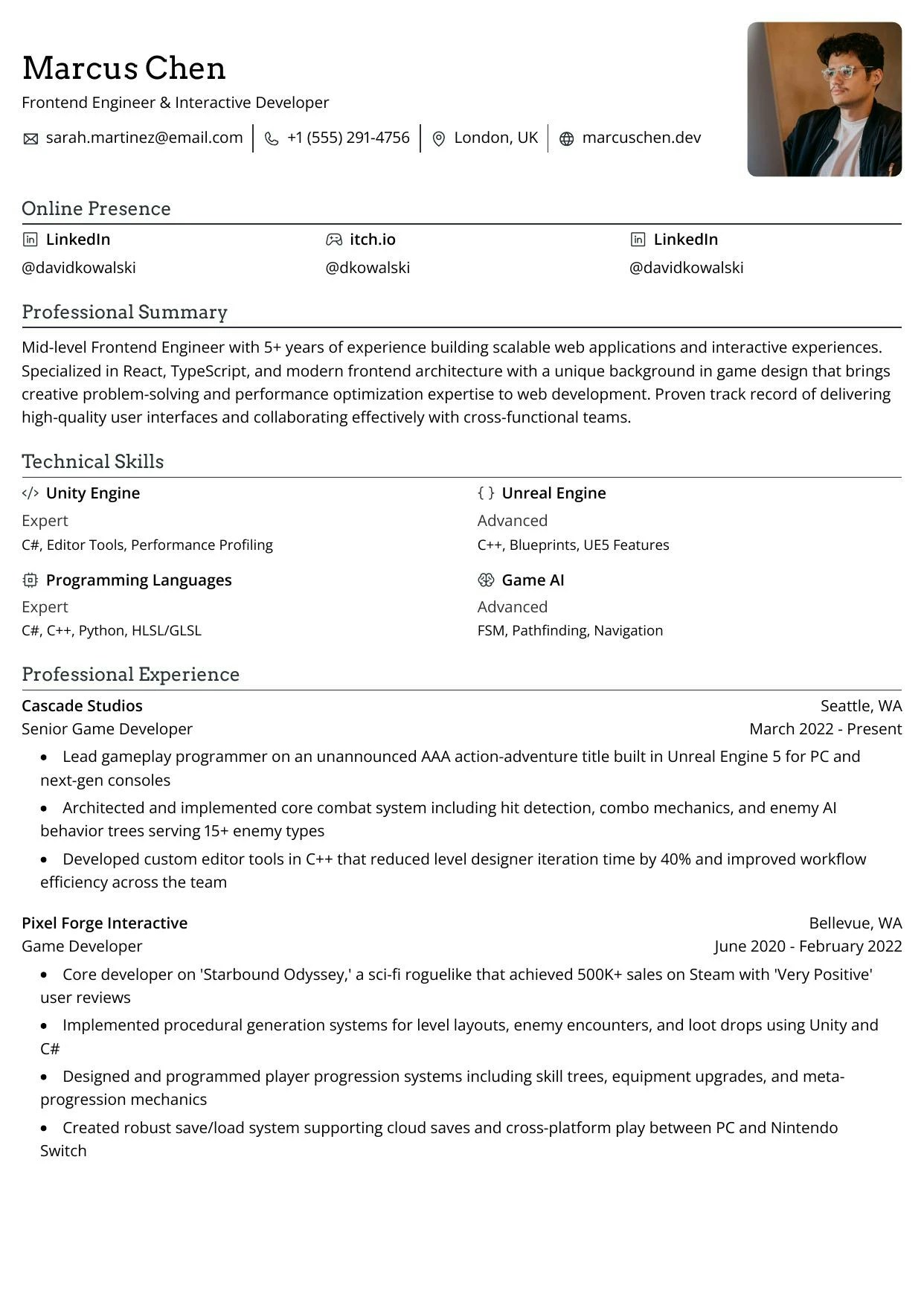
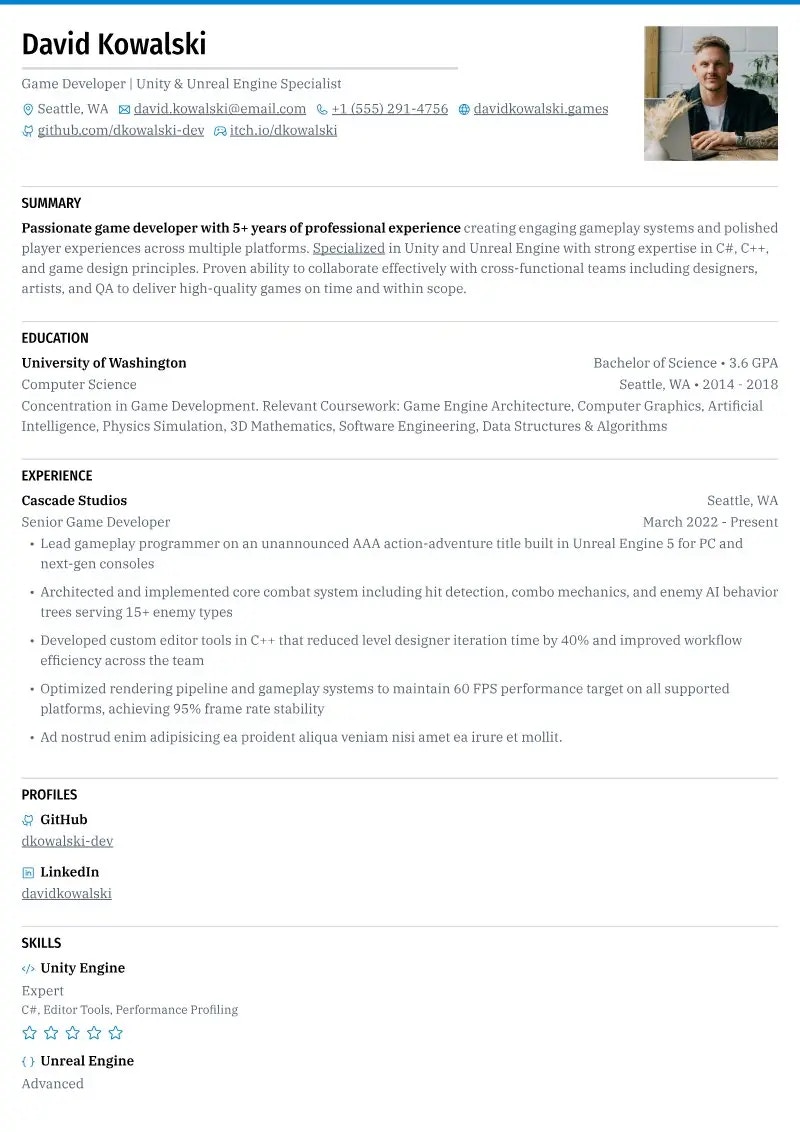
Reactive Resume offers a variety of unique templates, each with its own design aesthetic. This guide will help you understand the differences between templates and how to change your resume's template at any time.

## How to change your template

Changing your resume template is simple and can be done at any time without losing any of your content.

<Steps>
  <Step title="Open your resume in the builder">
    Navigate to your Dashboard and click on the resume you want to edit.
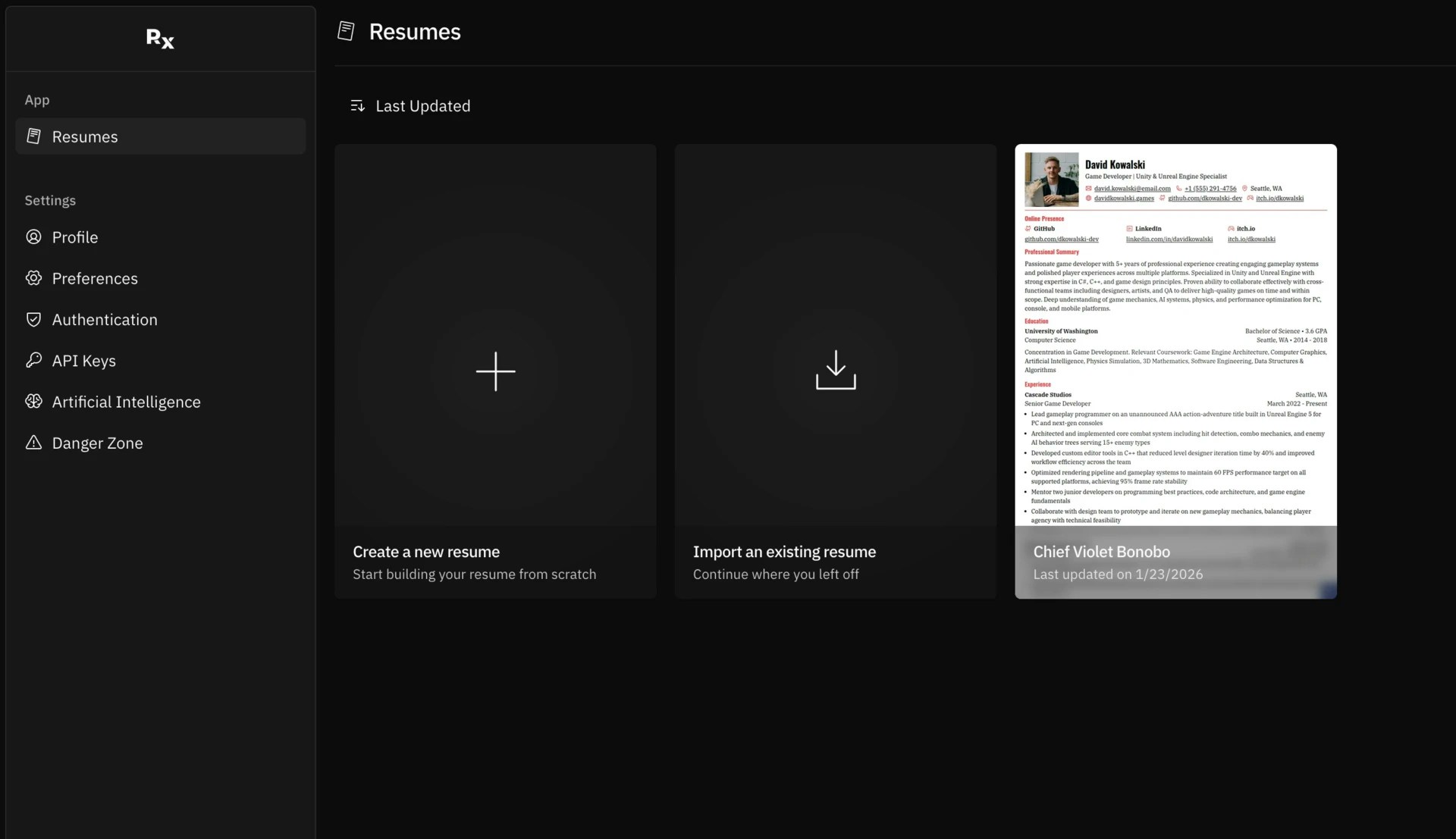
    <Frame caption="Screenshot of your resumes dashboard showing all your resume">
      <img src="https://mintcdn.com/reactiveresume/7NCzSQGwYEwB4XvR/images/guides/choosing-a-template/screenshot-1.webp?fit=max&auto=format&n=7NCzSQGwYEwB4XvR&q=85&s=fb5827757c3d2d826dc2ea723cad4d5f" alt="Screenshot of your resumes dashboard showing all your resume" width="1920" height="1107" data-path="images/guides/choosing-a-template/screenshot-1.webp" />
    </Frame>
  </Step>

  <Step title="Open the right sidebar">
    In the resume builder, look for the right sidebar. This is where you'll find all the design and layout options.
  </Step>

  <Step title="Navigate to the Template section">
    In the right sidebar, find and click on the **Template** section to expand it.
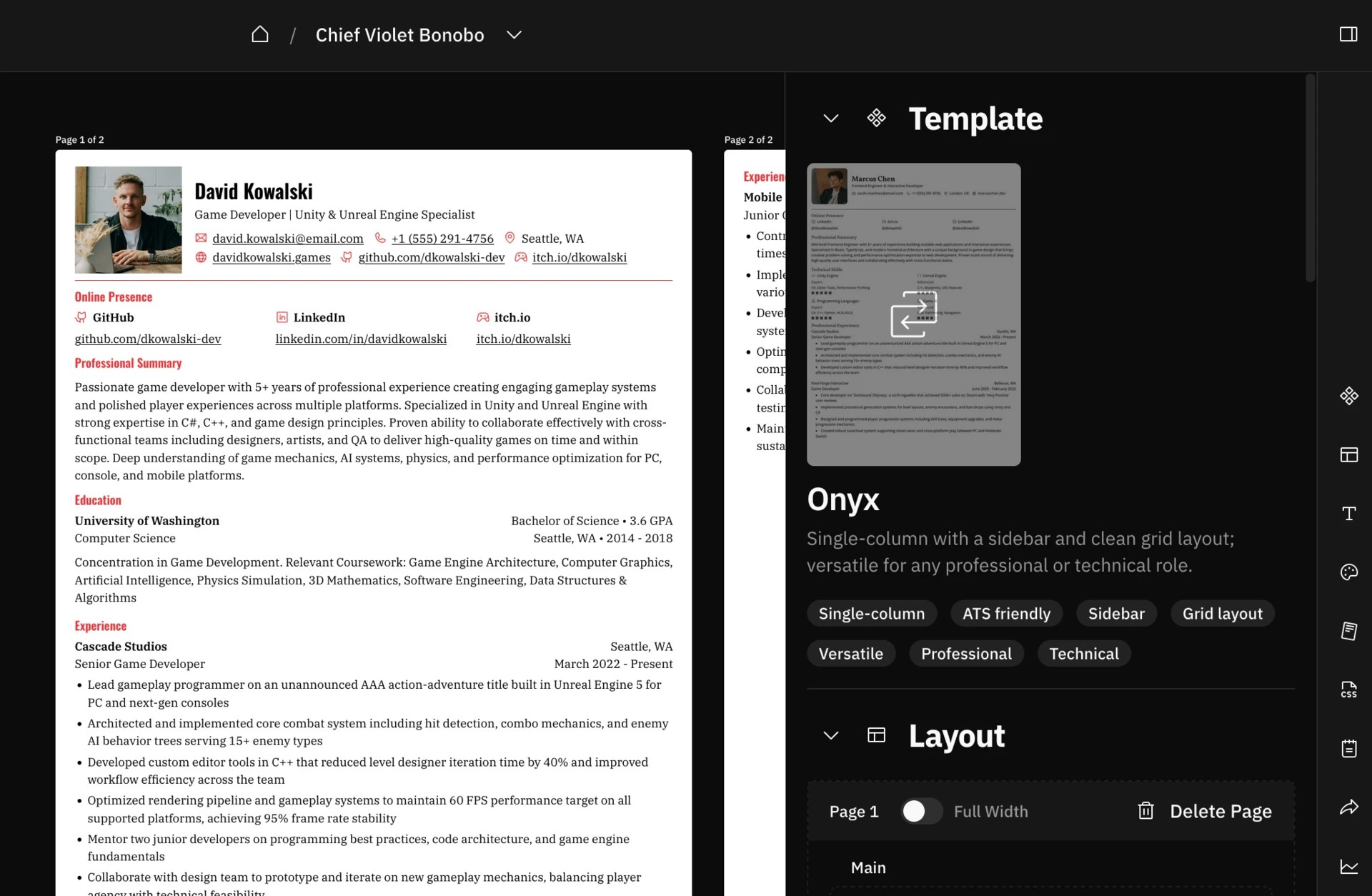
    <Frame caption="Screenshot of the template section in the right sidebar">
      <img src="https://mintcdn.com/reactiveresume/7NCzSQGwYEwB4XvR/images/guides/choosing-a-template/screenshot-2.webp?fit=max&auto=format&n=7NCzSQGwYEwB4XvR&q=85&s=3bd613bed4700486da333394a5355bdd" alt="Screenshot of the template section in the right sidebar" width="1920" height="1254" data-path="images/guides/choosing-a-template/screenshot-2.webp" />
    </Frame>
  </Step>

  <Step title="Select your new template">
    Browse through the available templates and click on the one you want to use. Your resume will instantly update to reflect the new design.
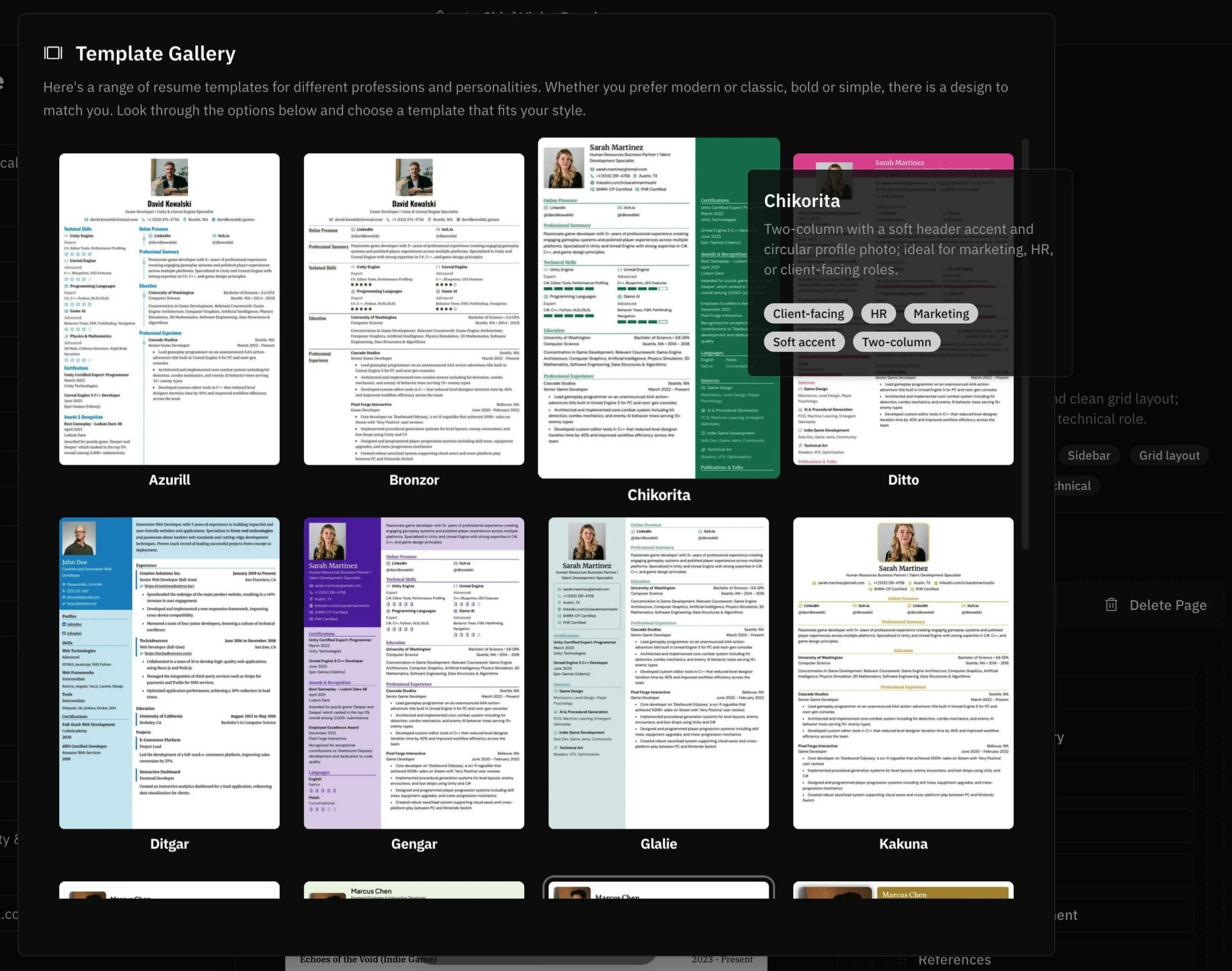
    <Frame caption="Screenshot of selecting a new template from the gallery">
      <img src="https://mintcdn.com/reactiveresume/7NCzSQGwYEwB4XvR/images/guides/choosing-a-template/screenshot-3.webp?fit=max&auto=format&n=7NCzSQGwYEwB4XvR&q=85&s=1e8ad6f716686f3a4b7a690db348cde8" alt="Screenshot of selecting a new template from the gallery" width="1920" height="1514" data-path="images/guides/choosing-a-template/screenshot-3.webp" />
    </Frame>
  </Step>

  <Step title="Review and adjust">
    After changing the template, review your resume in the live preview. You may want to adjust spacing, colors, or layout to optimize for the new design.
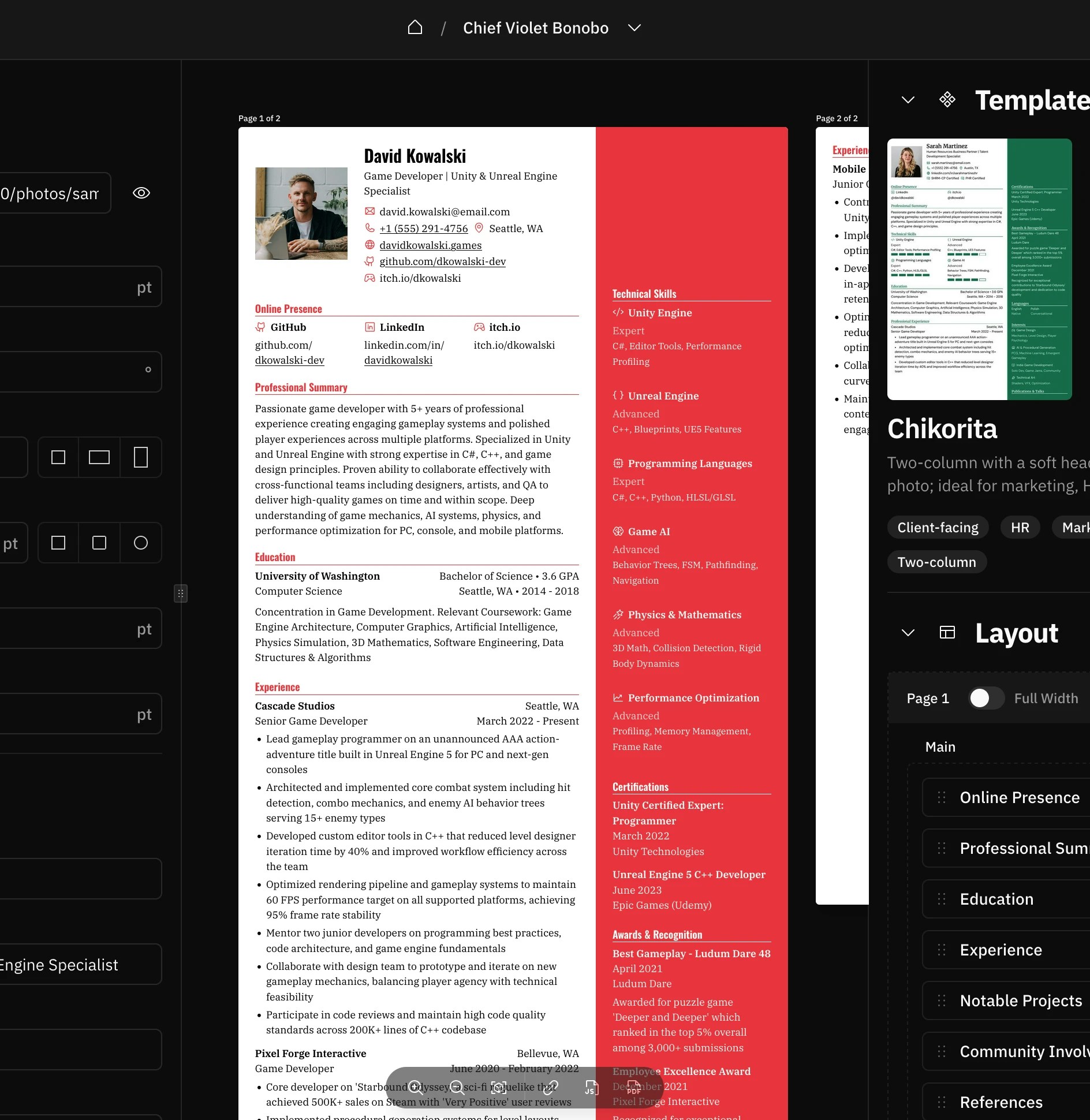
    <Frame caption="Screenshot of the resume with a new template applied">
      <img src="https://mintcdn.com/reactiveresume/7NCzSQGwYEwB4XvR/images/guides/choosing-a-template/screenshot-4.webp?fit=max&auto=format&n=7NCzSQGwYEwB4XvR&q=85&s=c59acba2a292fe8b5fdca3e03133d596" alt="Screenshot of the resume with a new template applied" width="1888" height="1940" data-path="images/guides/choosing-a-template/screenshot-4.webp" />
    </Frame>

    <Tip>
      Different templates may display your content differently. Some templates work better with shorter content, while others are designed to handle more detailed information.
    </Tip>
  </Step>
</Steps>

## Tips for choosing the right template

<AccordionGroup>
  <Accordion title="Consider your industry" icon="briefcase">
    Different industries have different expectations:

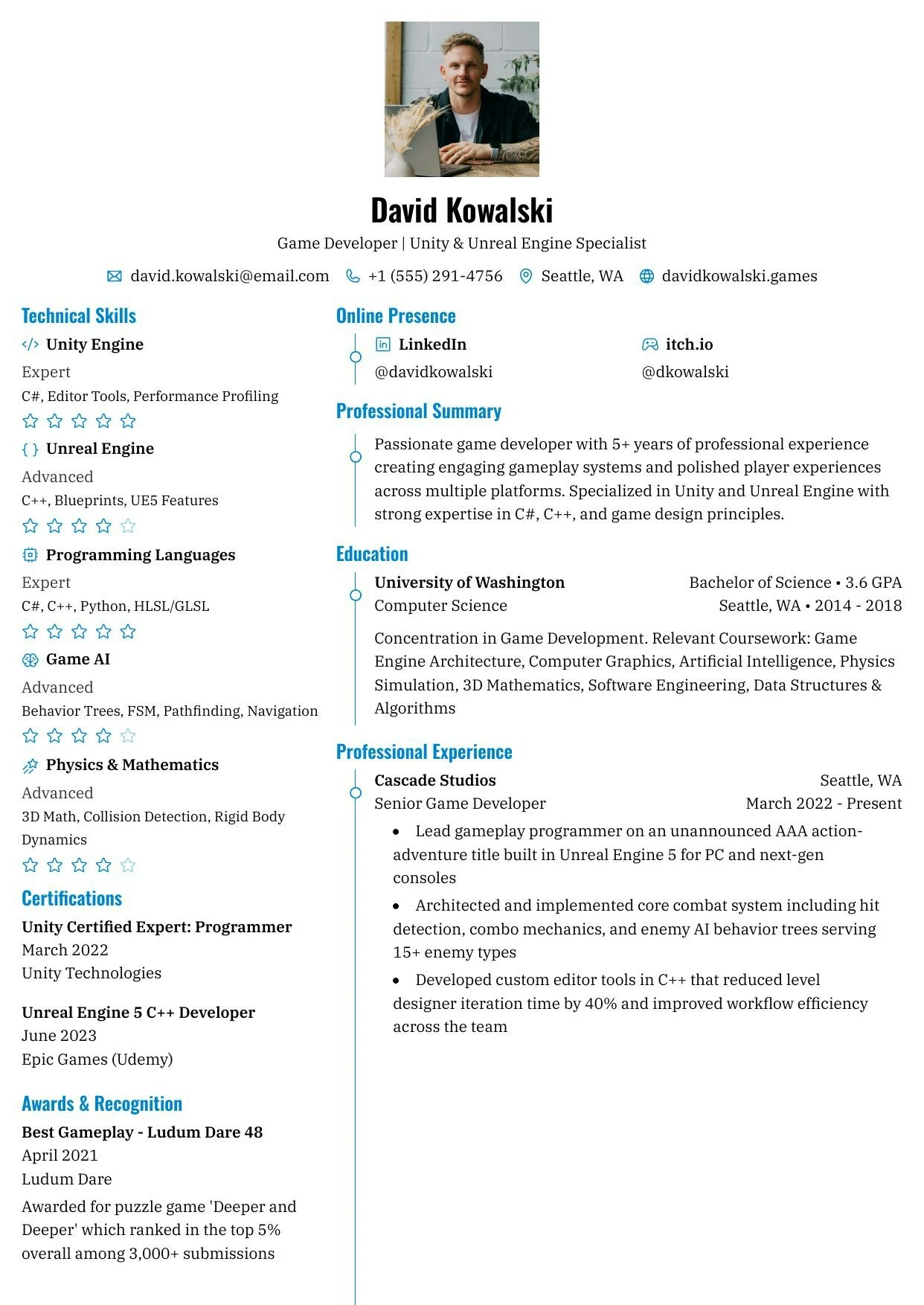
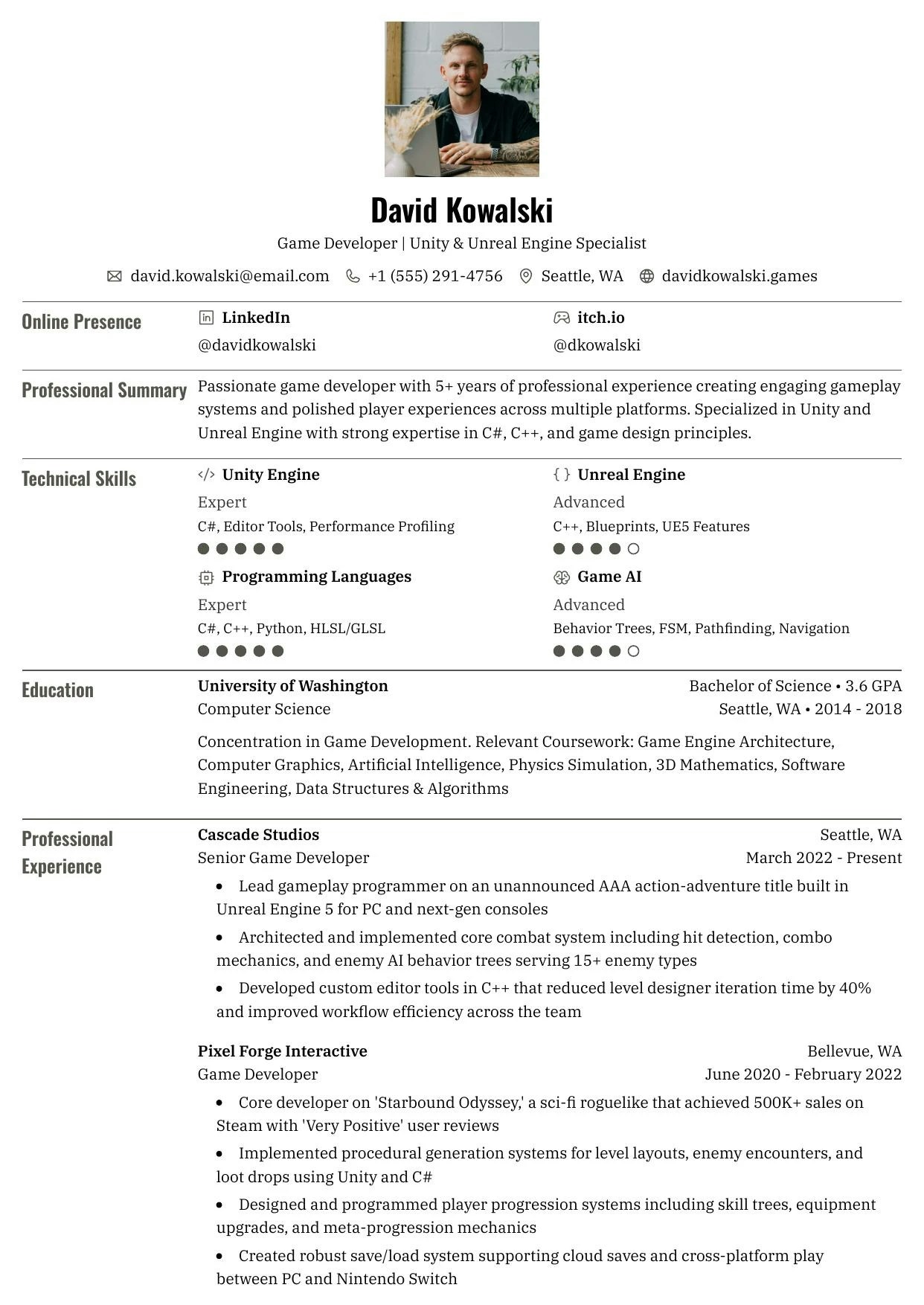
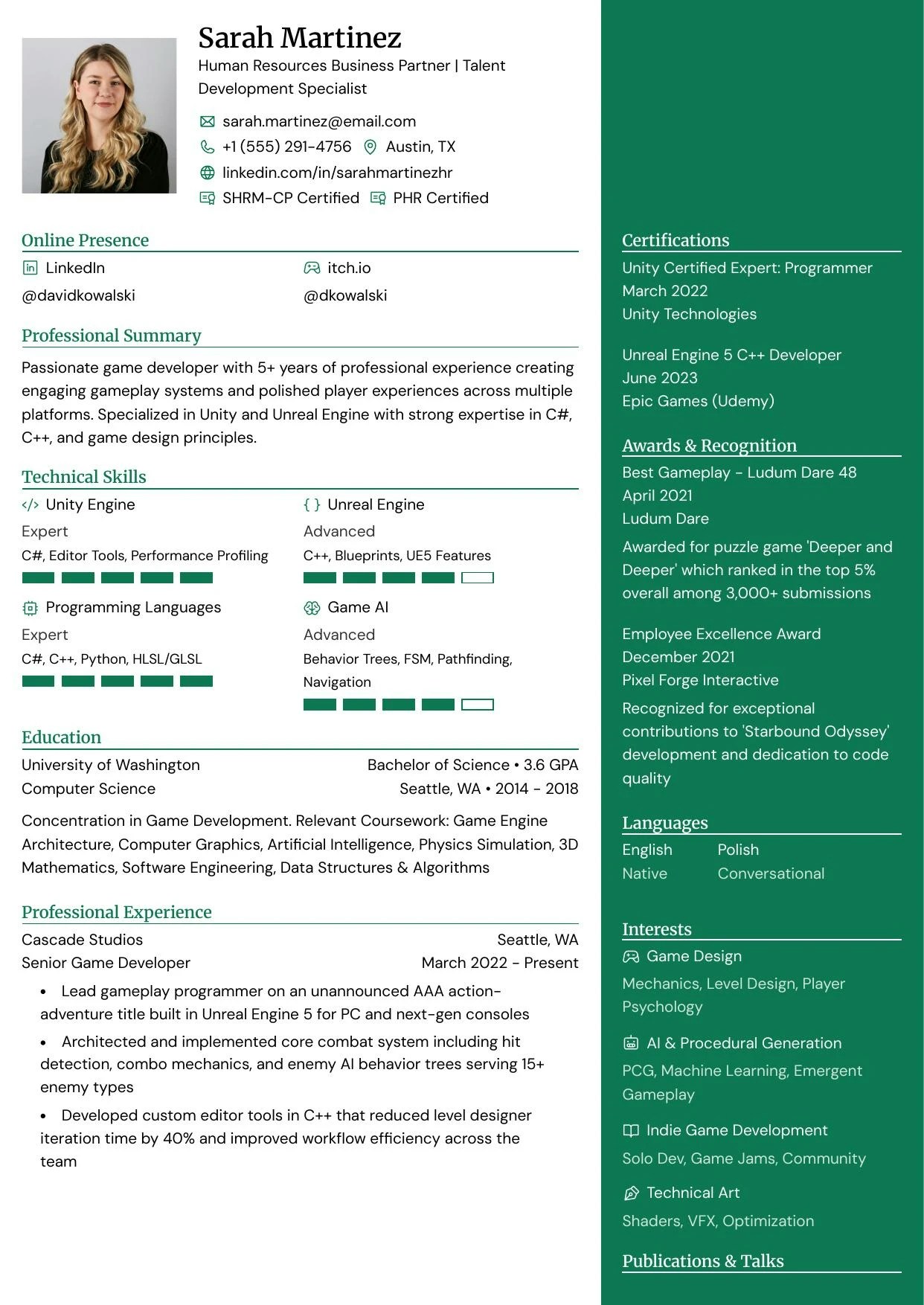
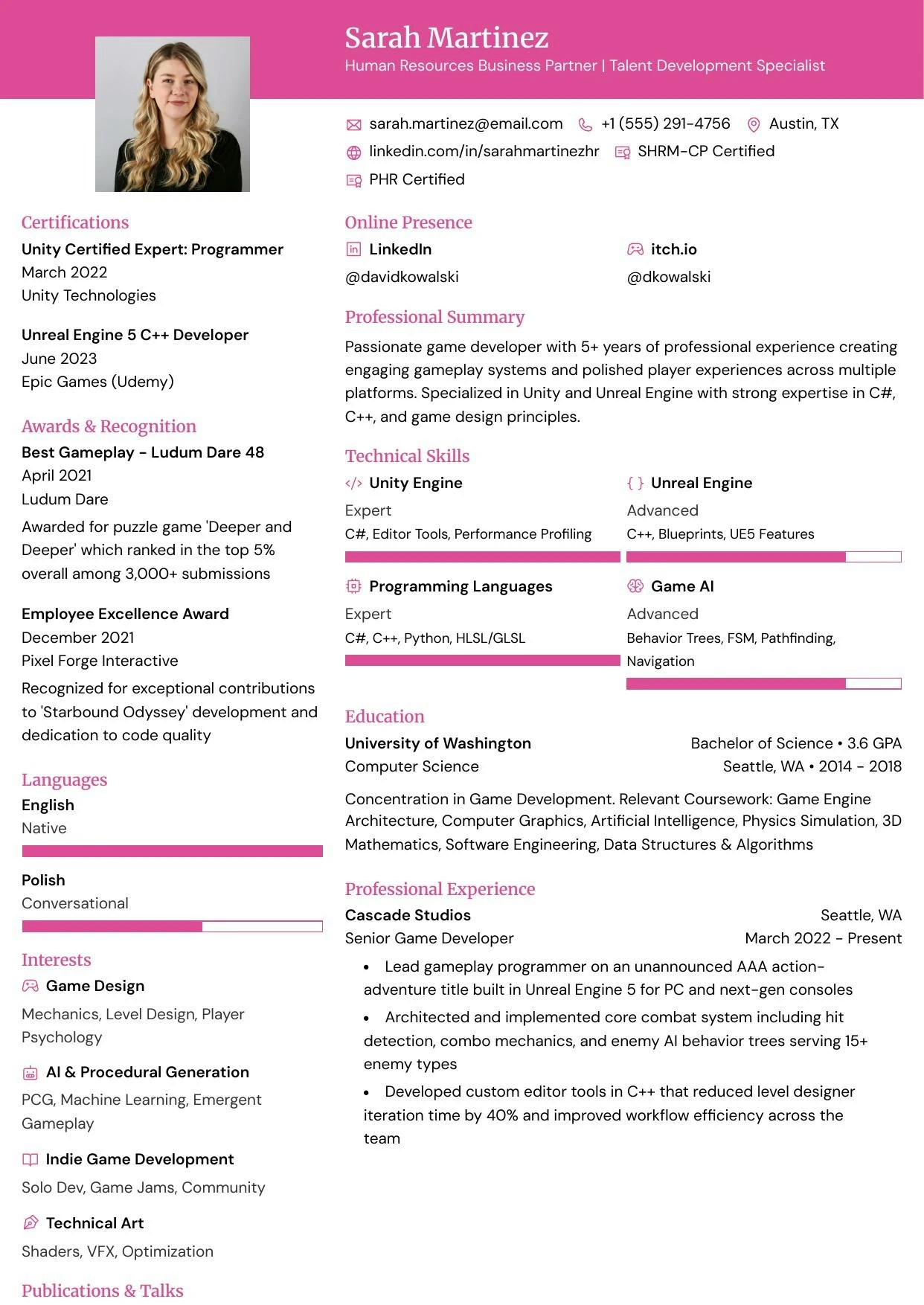
    * **Creative fields** (design, marketing, arts): Templates with more visual flair like Gengar or Pikachu
    * **Corporate/Traditional** (finance, law, consulting): Clean, minimal templates like Onyx or Ditto
    * **Tech/Startups**: Modern, balanced templates like Chikorita or Leafish
  </Accordion>

  <Accordion title="Think about content length" icon="ruler">
    If you have a lot of experience to showcase, choose a template with efficient space usage. For shorter resumes,
    templates with more white space can make your content feel more substantial.
  </Accordion>

  <Accordion title="Match your personal brand" icon="palette">
    Your resume is part of your personal brand. Choose a template that reflects your personality while remaining
    professional and appropriate for your target roles.
  </Accordion>

  <Accordion title="Test with real content" icon="file-lines">
    Don't choose a template based on how it looks empty. Fill in your actual content and see how it flows across pages. What looks great with sample data might not work as well with your specific information.
  </Accordion>
</AccordionGroup>

***

## Available templates

Reactive Resume includes a variety of professionally designed templates. Each template can be further customized with your choice of colors, fonts, and layout options.

<Info>
  All templates support the same features and sections. The difference is purely in how they present your information
  visually.
</Info>

<div className="grid grid-cols-1 sm:grid-cols-2 gap-4">
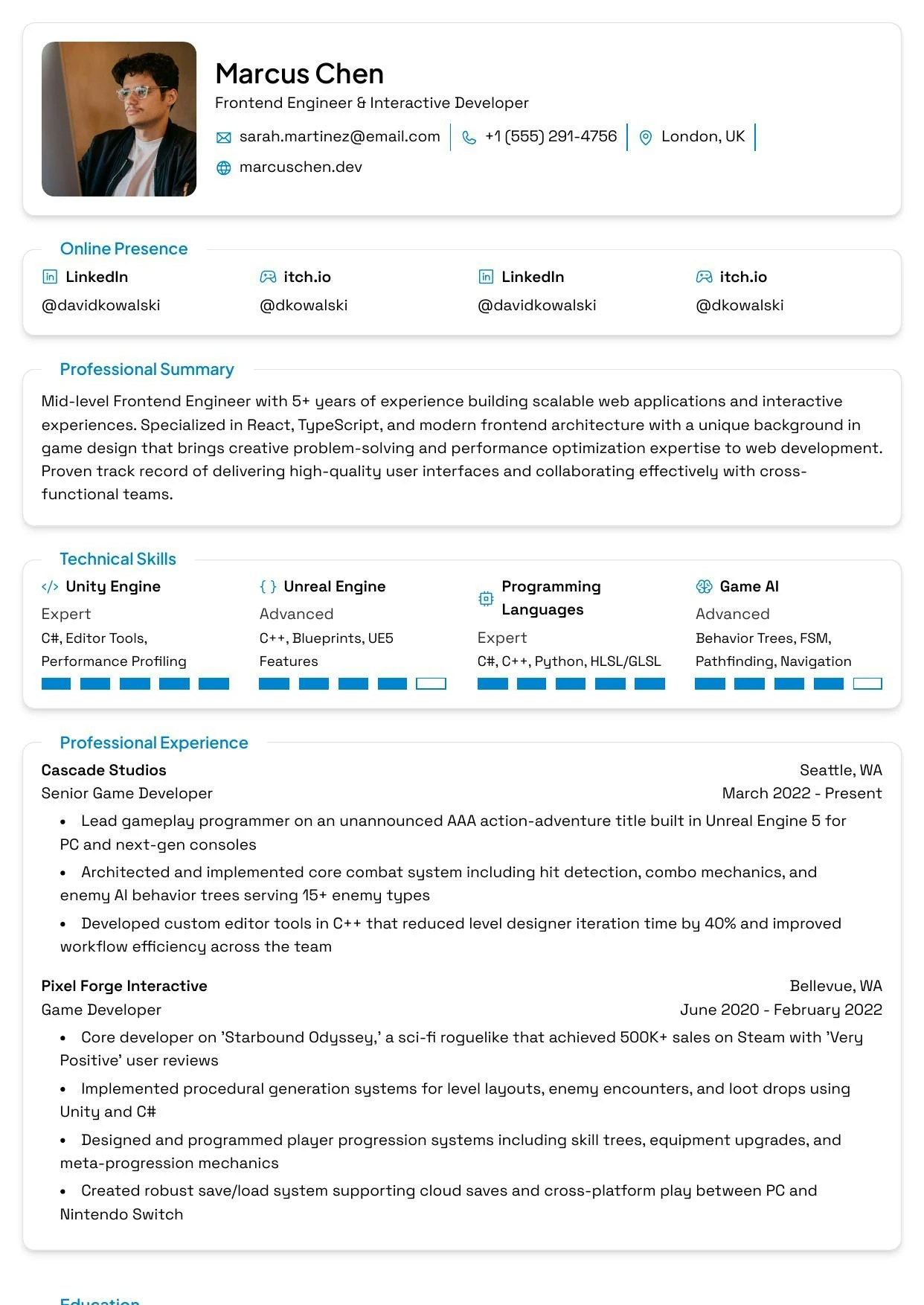
  <Frame caption="Azurill">
    <img src="https://mintcdn.com/reactiveresume/7NCzSQGwYEwB4XvR/images/templates/azurill.webp?fit=max&auto=format&n=7NCzSQGwYEwB4XvR&q=85&s=97845f8c17268fe04d1df00bf04ac216" alt="Azurill template preview" style={{ aspectRatio: "210/297" }} width="1242" height="1754" data-path="images/templates/azurill.webp" />
  </Frame>

  <Frame caption="Bronzor">
    <img src="https://mintcdn.com/reactiveresume/7NCzSQGwYEwB4XvR/images/templates/bronzor.webp?fit=max&auto=format&n=7NCzSQGwYEwB4XvR&q=85&s=ff05857e20bcf3e1160ad38803197804" alt="Bronzor template preview" style={{ aspectRatio: "210/297" }} width="1242" height="1754" data-path="images/templates/bronzor.webp" />
  </Frame>

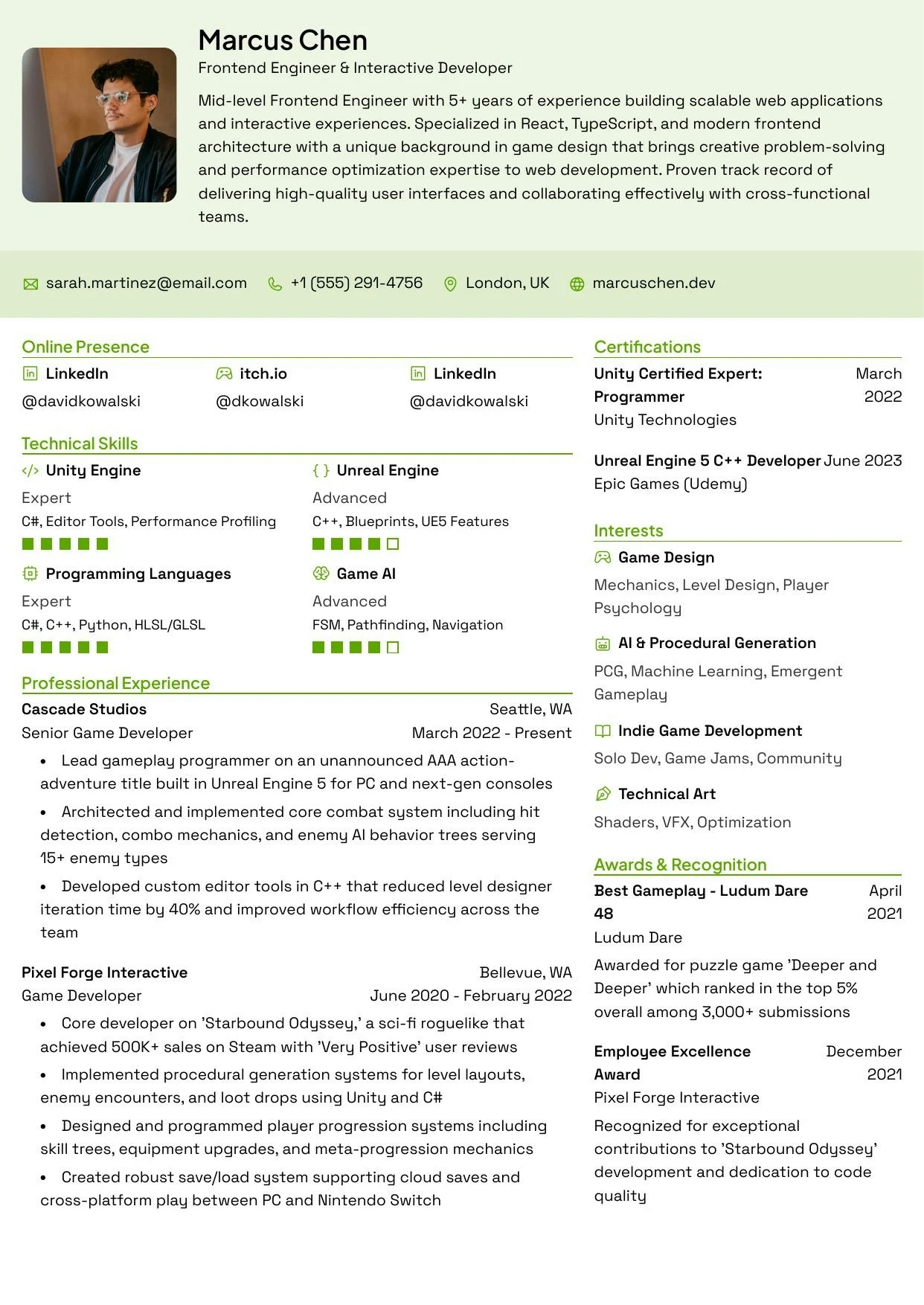
  <Frame caption="Chikorita">
    <img src="https://mintcdn.com/reactiveresume/7NCzSQGwYEwB4XvR/images/templates/chikorita.webp?fit=max&auto=format&n=7NCzSQGwYEwB4XvR&q=85&s=72957bcd8d333893ffac96a85396773e" alt="Chikorita template preview" style={{ aspectRatio: "210/297" }} width="1242" height="1754" data-path="images/templates/chikorita.webp" />
  </Frame>

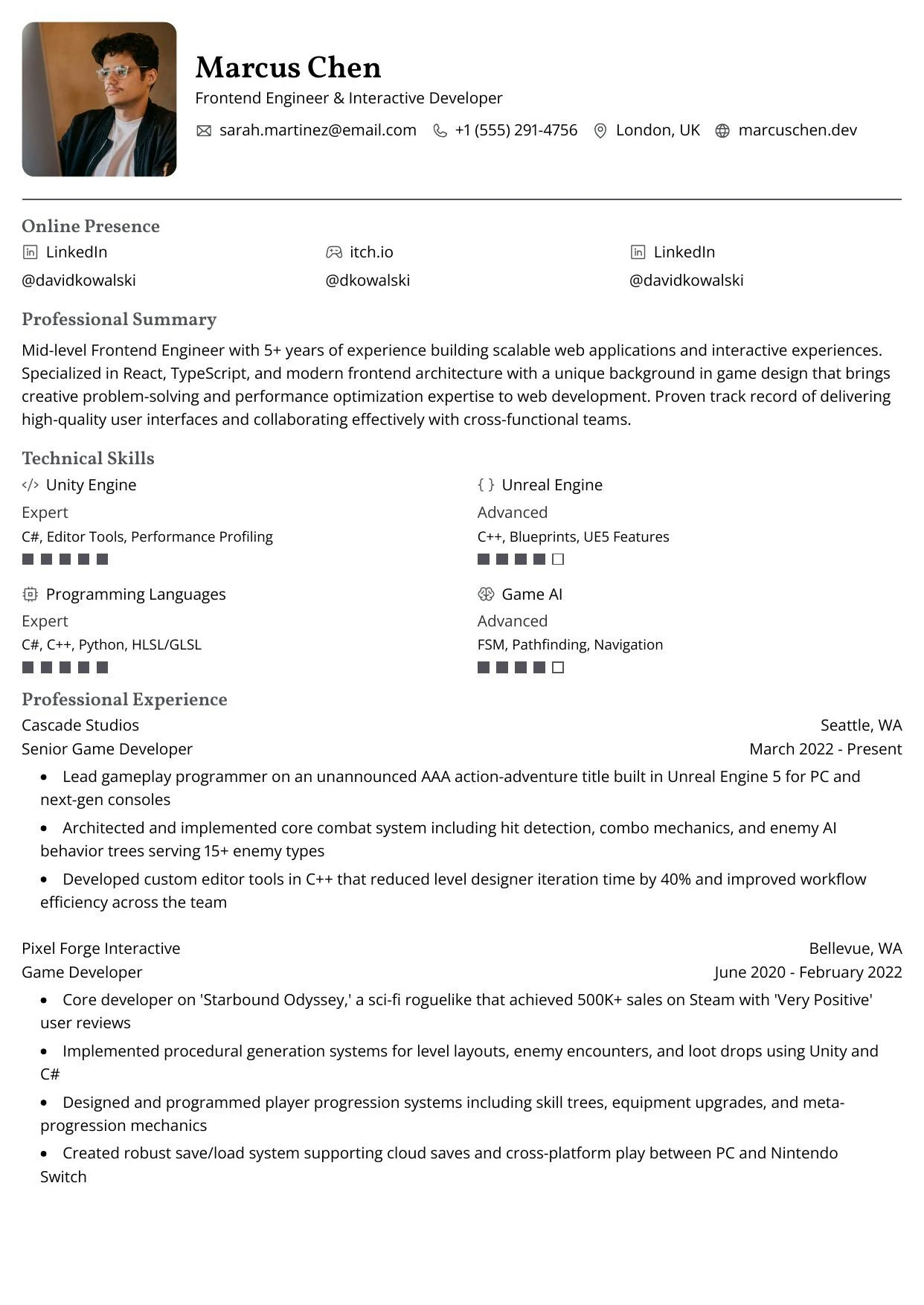
  <Frame caption="Ditto">
    <img src="https://mintcdn.com/reactiveresume/7NCzSQGwYEwB4XvR/images/templates/ditto.webp?fit=max&auto=format&n=7NCzSQGwYEwB4XvR&q=85&s=0bffc52b69c710e1a56d590c2025a1cb" alt="Ditto template preview" style={{ aspectRatio: "210/297" }} width="1242" height="1754" data-path="images/templates/ditto.webp" />
  </Frame>

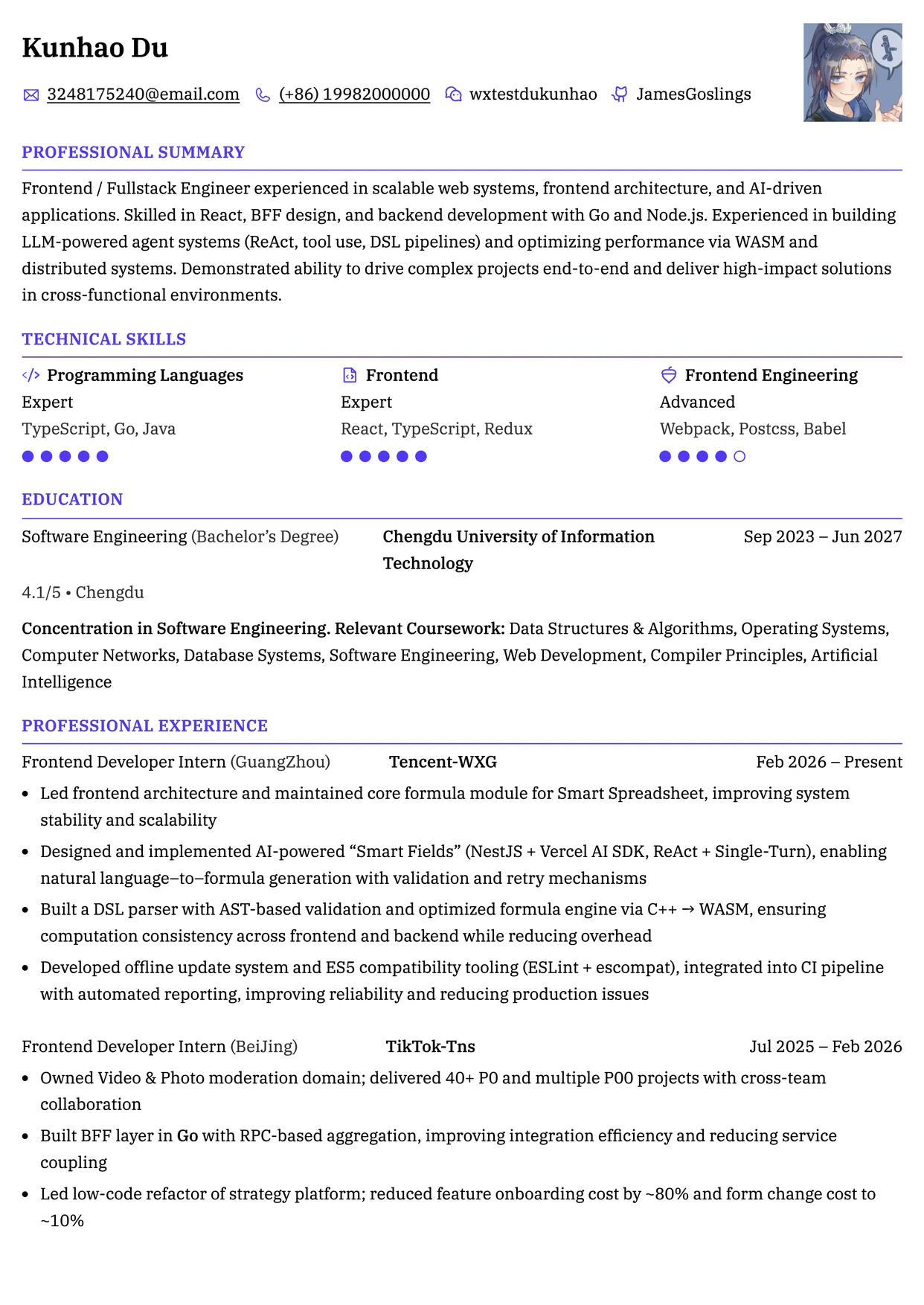
  <Frame caption="Ditgar">
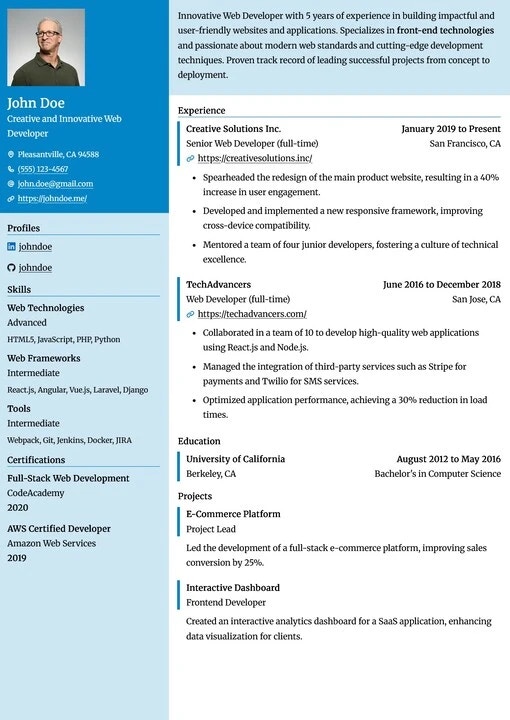
    <img src="https://mintcdn.com/reactiveresume/7NCzSQGwYEwB4XvR/images/templates/ditgar.webp?fit=max&auto=format&n=7NCzSQGwYEwB4XvR&q=85&s=dadfd5e8547ab633232a0e03fe4ac006" alt="Ditgar template preview" style={{ aspectRatio: "210/297" }} width="510" height="720" data-path="images/templates/ditgar.webp" />
  </Frame>

  <Frame caption="Gengar">
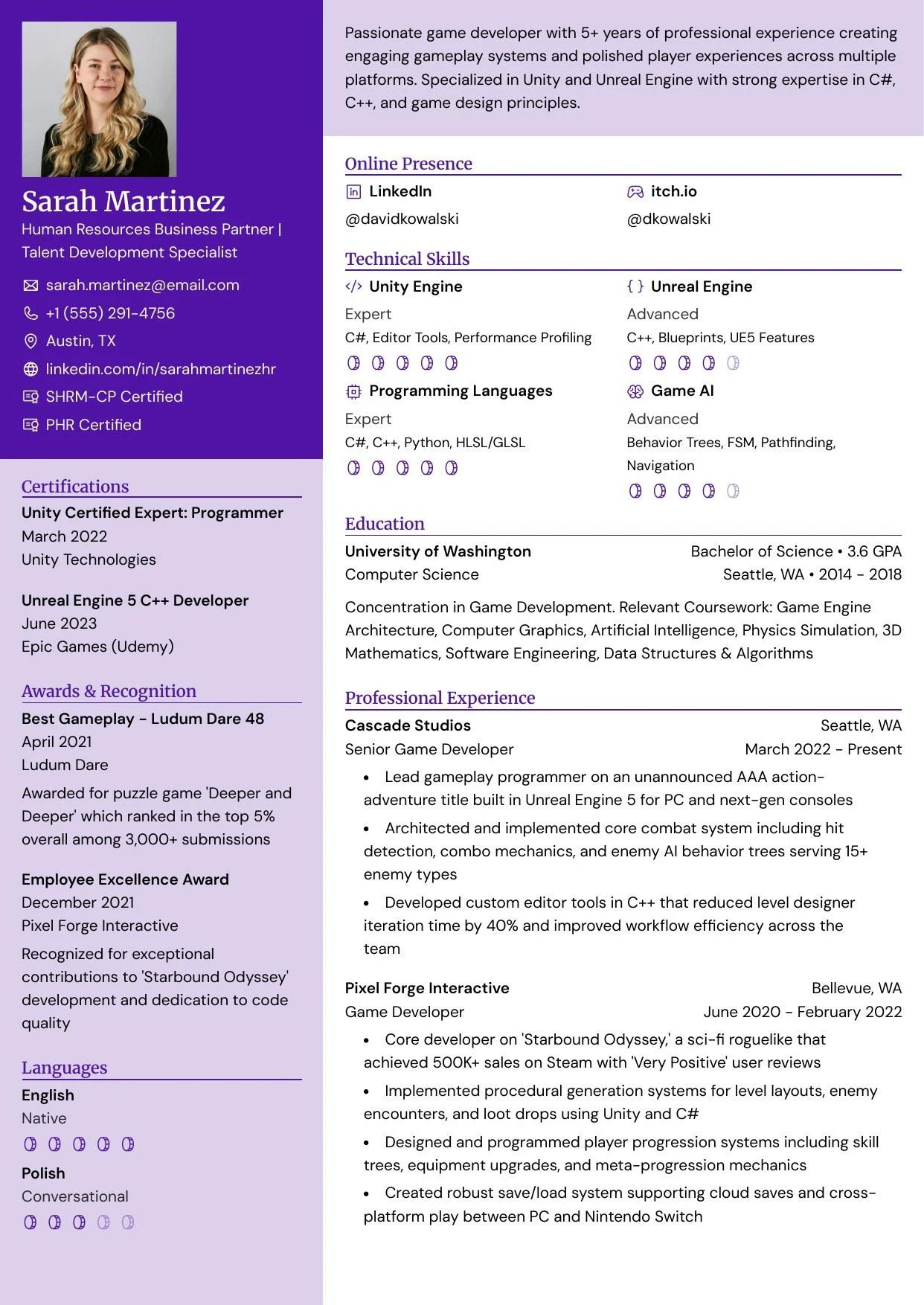
    <img src="https://mintcdn.com/reactiveresume/7NCzSQGwYEwB4XvR/images/templates/gengar.webp?fit=max&auto=format&n=7NCzSQGwYEwB4XvR&q=85&s=2a4ee096d4f39a75f26bb04c6cdaba1e" alt="Gengar template preview" style={{ aspectRatio: "210/297" }} width="1242" height="1754" data-path="images/templates/gengar.webp" />
  </Frame>

  <Frame caption="Glalie">
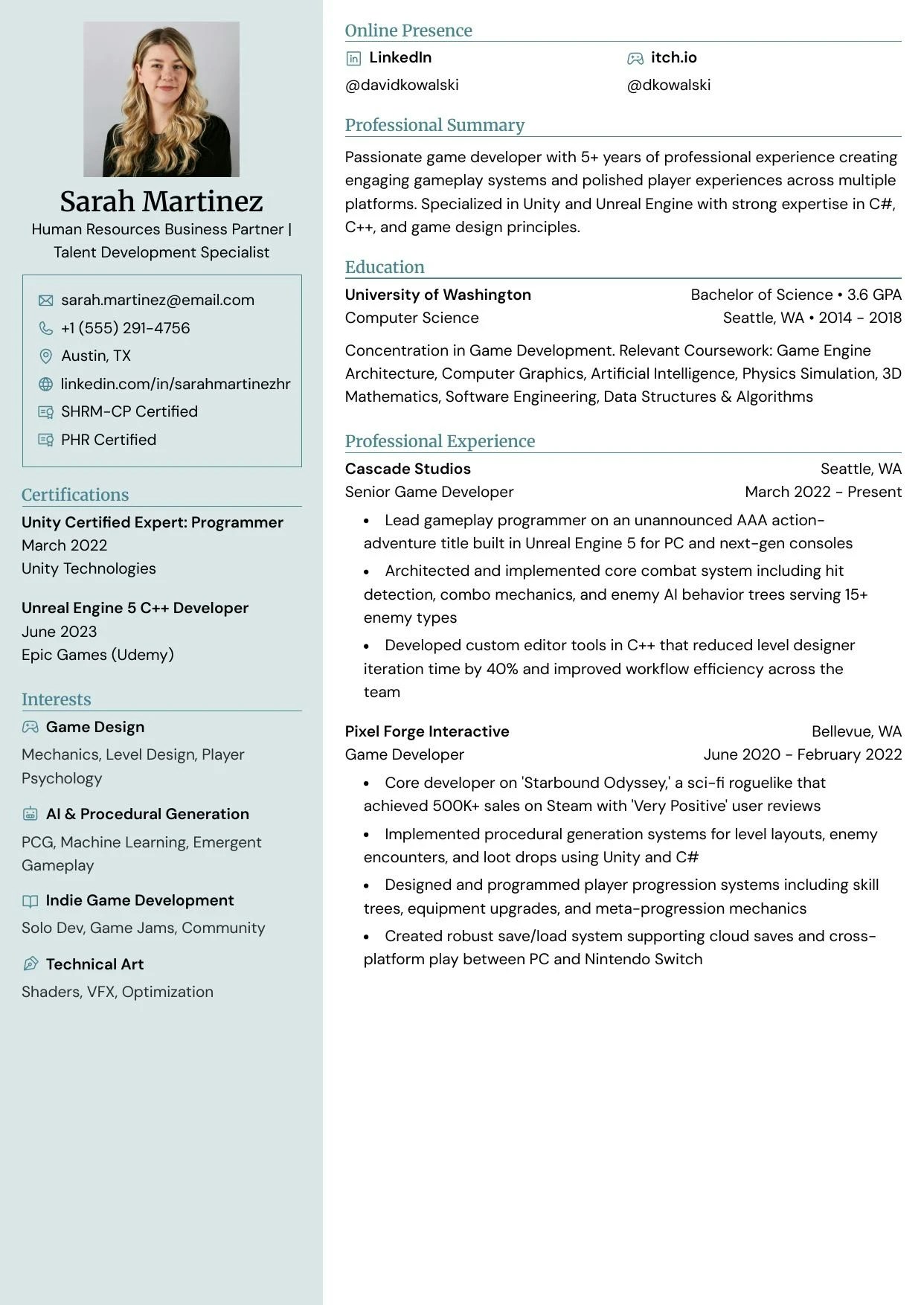
    <img src="https://mintcdn.com/reactiveresume/7NCzSQGwYEwB4XvR/images/templates/glalie.webp?fit=max&auto=format&n=7NCzSQGwYEwB4XvR&q=85&s=97e52bb66cc59b6b910a1a4a2ec215df" alt="Glalie template preview" style={{ aspectRatio: "210/297" }} width="1242" height="1754" data-path="images/templates/glalie.webp" />
  </Frame>

  <Frame caption="Kakuna">
    <img src="https://mintcdn.com/reactiveresume/7NCzSQGwYEwB4XvR/images/templates/kakuna.webp?fit=max&auto=format&n=7NCzSQGwYEwB4XvR&q=85&s=27ff1c635eeefa825bc2a4a3c9963cb5" alt="Kakuna template preview" style={{ aspectRatio: "210/297" }} width="1242" height="1754" data-path="images/templates/kakuna.webp" />
  </Frame>

  <Frame caption="Lapras">
    <img src="https://mintcdn.com/reactiveresume/7NCzSQGwYEwB4XvR/images/templates/lapras.webp?fit=max&auto=format&n=7NCzSQGwYEwB4XvR&q=85&s=519ee9ce595d46d504fc1cff4a9f76fd" alt="Lapras template preview" style={{ aspectRatio: "210/297" }} width="1242" height="1754" data-path="images/templates/lapras.webp" />
  </Frame>

  <Frame caption="Leafish">
    <img src="https://mintcdn.com/reactiveresume/7NCzSQGwYEwB4XvR/images/templates/leafish.webp?fit=max&auto=format&n=7NCzSQGwYEwB4XvR&q=85&s=bf322dc0942a9dfb710a6a3a0ec7c2ba" alt="Leafish template preview" style={{ aspectRatio: "210/297" }} width="1242" height="1754" data-path="images/templates/leafish.webp" />
  </Frame>

  <Frame caption="Meowth">
    <img src="https://mintcdn.com/reactiveresume/SYF0rp-3dkM_Dn3v/images/templates/meowth.webp?fit=max&auto=format&n=SYF0rp-3dkM_Dn3v&q=85&s=f41a770dcece100b5f1b07d5f4913db5" alt="Meowth template preview" style={{ aspectRatio: "210/297" }} width="1242" height="1754" data-path="images/templates/meowth.webp" />
  </Frame>

  <Frame caption="Onyx">
    <img src="https://mintcdn.com/reactiveresume/7NCzSQGwYEwB4XvR/images/templates/onyx.webp?fit=max&auto=format&n=7NCzSQGwYEwB4XvR&q=85&s=bd888ad3fca538d822bb15ecb5da41fd" alt="Onyx template preview" style={{ aspectRatio: "210/297" }} width="1242" height="1754" data-path="images/templates/onyx.webp" />
  </Frame>

  <Frame caption="Pikachu">
    <img src="https://mintcdn.com/reactiveresume/7NCzSQGwYEwB4XvR/images/templates/pikachu.webp?fit=max&auto=format&n=7NCzSQGwYEwB4XvR&q=85&s=fc11081adf5480e64d5eb8a47c2f70ae" alt="Pikachu template preview" style={{ aspectRatio: "210/297" }} width="1242" height="1754" data-path="images/templates/pikachu.webp" />
  </Frame>

  <Frame caption="Rhyhorn">
    <img src="https://mintcdn.com/reactiveresume/7NCzSQGwYEwB4XvR/images/templates/rhyhorn.webp?fit=max&auto=format&n=7NCzSQGwYEwB4XvR&q=85&s=ac4bc83403f79e3b0d3d2cbbb44dd1b6" alt="Rhyhorn template preview" style={{ aspectRatio: "210/297" }} width="1242" height="1754" data-path="images/templates/rhyhorn.webp" />
  </Frame>

  <Frame caption="Scizor">
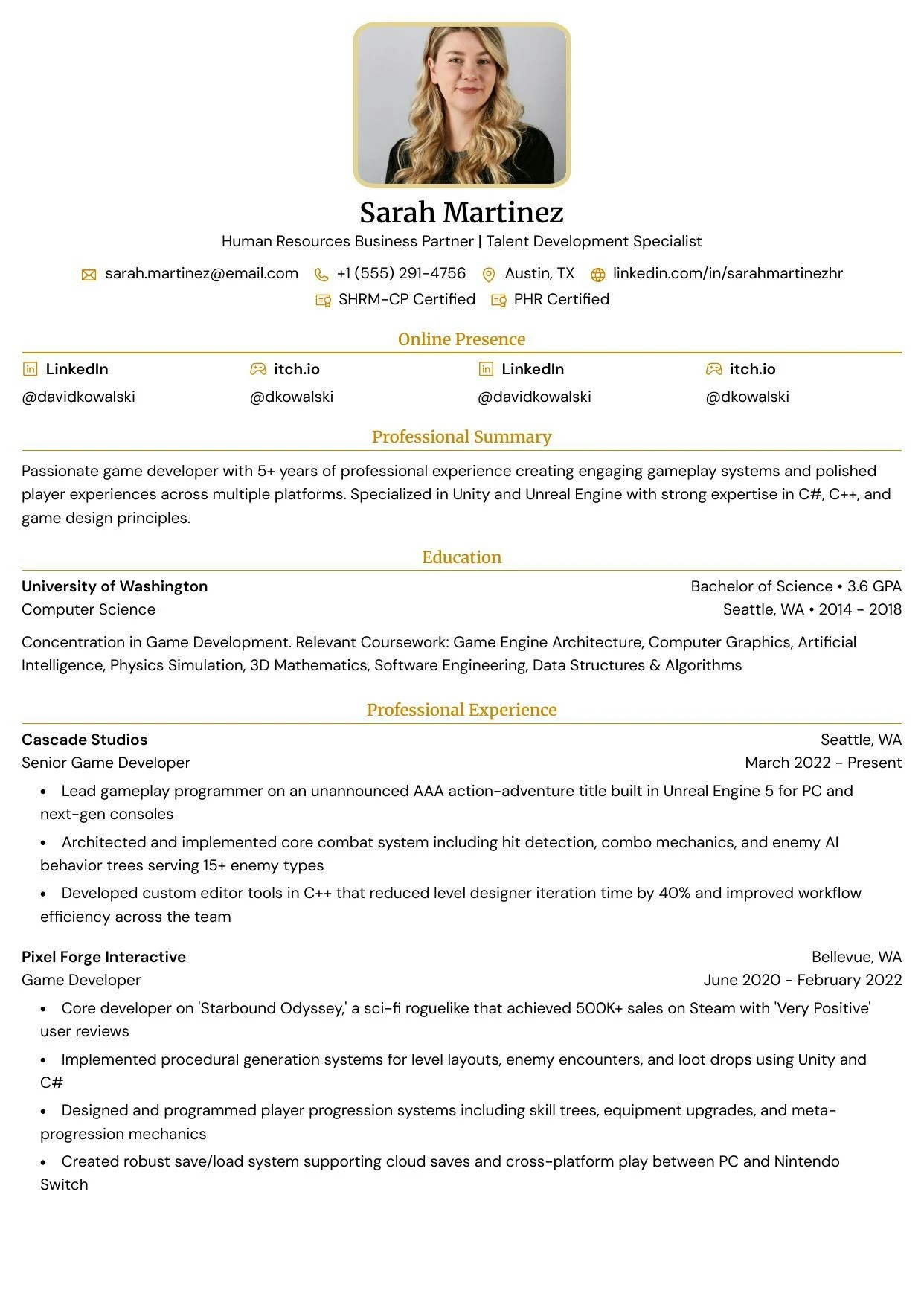
    <img src="https://mintcdn.com/reactiveresume/dAqbHWc4OKlkRp17/images/templates/scizor.webp?fit=max&auto=format&n=dAqbHWc4OKlkRp17&q=85&s=b626e4b00976e9451e5d26b5c4d9411a" alt="Scizor template preview" style={{ aspectRatio: "210/297" }} width="800" height="1132" data-path="images/templates/scizor.webp" />
  </Frame>
</div>

***

## Customizing your template

After selecting a template, you can customize it further:

| Setting        | Description                                                  |
| -------------- | ------------------------------------------------------------ |
| **Colors**     | Change the primary color scheme to match your personal brand |
| **Typography** | Choose from various Google Fonts for headings and body text  |
| **Layout**     | Adjust sidebar width, section order, and page margins        |
| **Spacing**    | Fine-tune gaps between sections and elements                 |