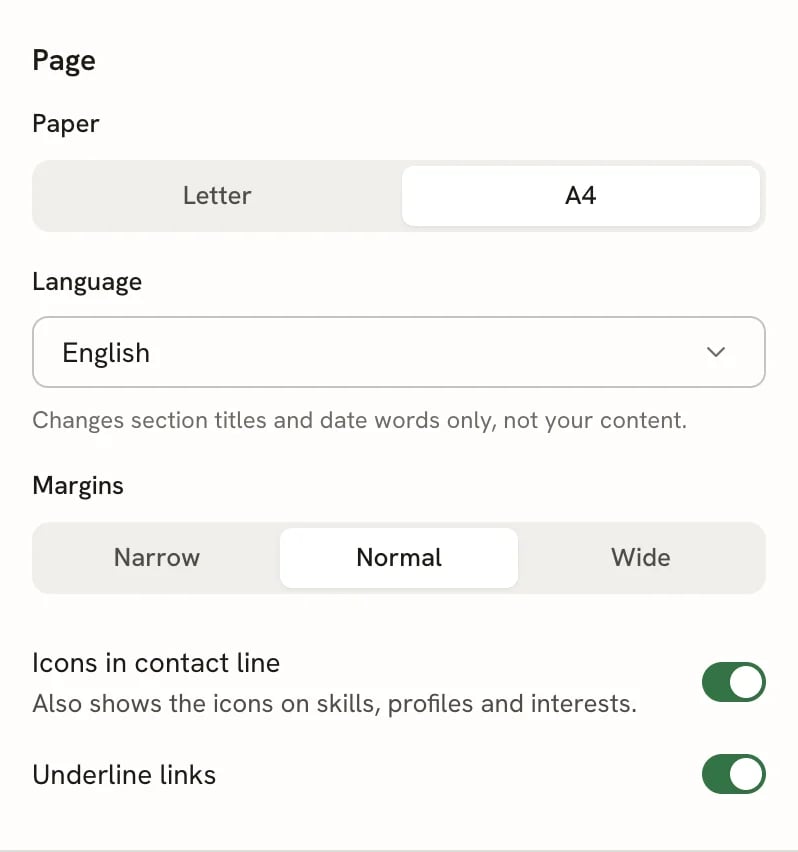
Reactive Resume offers three page format options: A4, Letter, and Free-Form. Each format affects how your resume is rendered and exported as a PDF. This guide explains the differences and helps you choose the right format for your situation.

Available formats

A4

A4 is the international standard paper size used in most countries outside North America. When you select A4, your resume pages conform to these dimensions:
PropertyValue
Width210mm (794px)
Height297mm (1123px)
Choose A4 if you’re applying to jobs internationally or in regions that use the metric system.

Letter

Letter is the standard paper size in the United States and Canada. When you select Letter, your resume pages conform to these dimensions:
PropertyValue
Width216mm (816px)
Height279mm (1056px)
Choose Letter if you’re applying to jobs in North America.

Free-Form

Free-Form is a modern format designed for digital-first resumes. Instead of conforming to a physical page size, Free-Form produces a single continuous page with no height limit. The width matches A4 (210mm), but the height extends as needed to fit all your content.
PropertyValue
Width210mm (794px)
HeightUnlimited
With Free-Form, there are no page breaks. Your entire resume renders as one seamless document, regardless of how much content you have.

Why Free-Form exists

The reality of modern job applications is that nobody prints resumes anymore. Your resume is almost always viewed digitally—on a screen, in an applicant tracking system (ATS), or parsed by AI-powered screening tools. When your resume is processed digitally:
  • ATS parsers extract text content regardless of page dimensions
  • AI scanners analyze the full document as a single unit
  • Recruiters scroll through PDFs on their screens rather than printing them
  • PDF parsing tools read the entire content regardless of page height
Since physical page constraints no longer matter for most use cases, Free-Form lets you focus on content rather than worrying about fitting everything into arbitrary page limits.
If you don’t plan on printing your resume, Free-Form is often the simplest choice. You never have to worry about content overflowing or awkward page breaks.

How to change your page format

1

Open your resume in the builder

Navigate to your Dashboard and click on the resume you want to edit.
2

Open the right sidebar

In the resume builder, look for the right sidebar on the right side of the screen.
3

Navigate to the Page section

In the right sidebar, find and click on the Page section to expand it.
4

Select your format

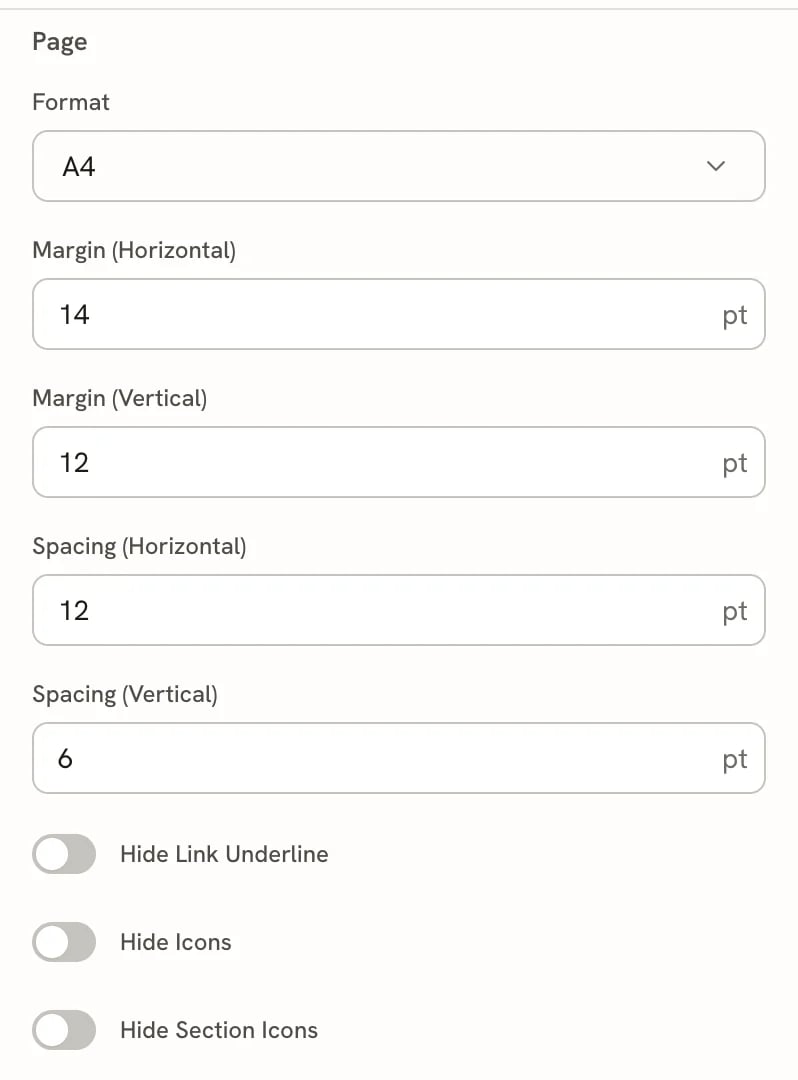
Find the Format dropdown and select your preferred option: A4, Letter, or Free-Form.
Screenshot of the Format dropdown in the Page section
5

Review the preview

Your resume preview updates immediately to reflect the new format. Check that your content displays correctly.

Choosing the right format

Use this quick reference to decide which format fits your needs:
SituationRecommended Format
Applying to jobs in North AmericaLetter
Applying to jobs internationallyA4
Digital-only applications (no printing)Free-Form
Uploading to ATS or job portalsFree-Form
Need to print physical copiesA4 or Letter
Long resume with lots of contentFree-Form
Traditional industries (law, finance)A4 or Letter
If you switch from Free-Form to A4 or Letter, your content will be split across multiple pages. Review the result carefully to ensure page breaks don’t occur in awkward places.

Example PDFs

Download these sample resumes to see how different formats affect the final PDF output:

Frequently asked questions

Yes. ATS systems parse the text content of your PDF, not the page dimensions. Free-Form resumes are fully compatible with applicant tracking systems.
Absolutely. You can change the format at any time from the Page section in the right sidebar. Your content is preserved—only the layout changes.
If the employer specifically requests a one-page resume and expects a traditional format, use A4 or Letter and ensure your content fits within a single page. See Fitting content on a page for tips.
Slightly. A longer single page may produce a marginally larger PDF than a paginated version of the same content, but the difference is negligible for typical resume lengths.
LinkedIn doesn’t display uploaded resumes in their original format—it extracts the content. Free-Form works perfectly for LinkedIn uploads.